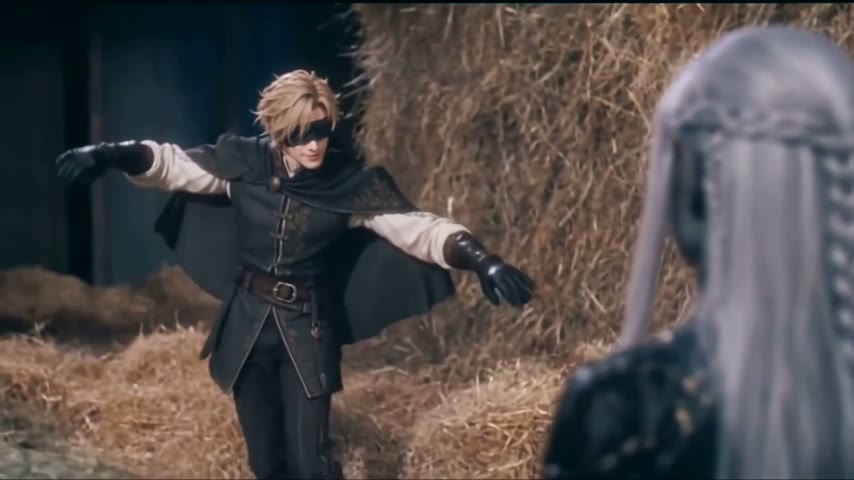
AI Video NewsTrending AI video templates

TikTok AI trends · Your photos · Ready to post

Viral AI video generator for today’s TikTok trends

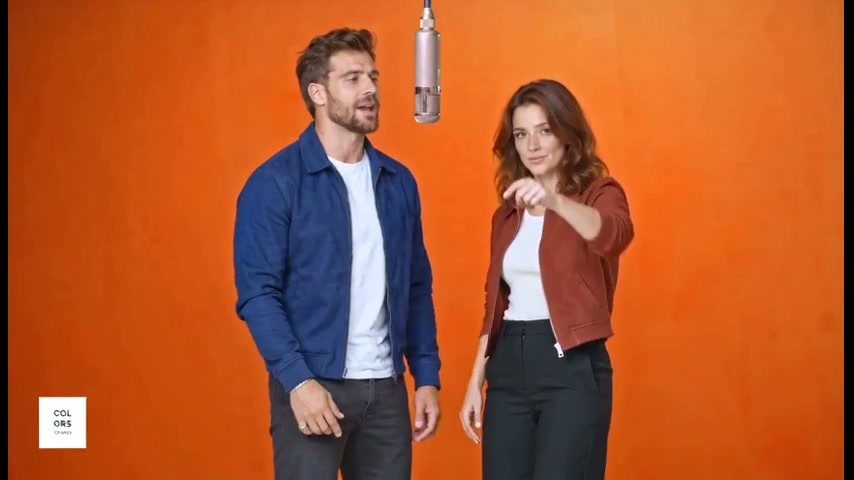
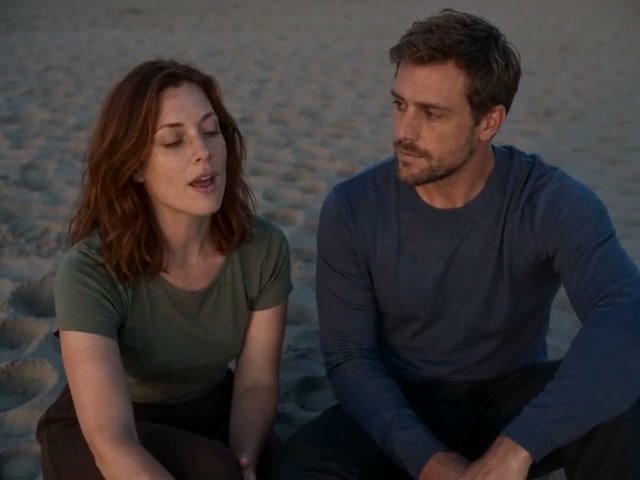
Drop in 1–2 photos — people, pets or characters — and the viral AI video generator gives you back a clip with the trend’s moves, camera and timing.

  • 1–2 photos
  • Same moves & timing
  • One-time packs, no subscription

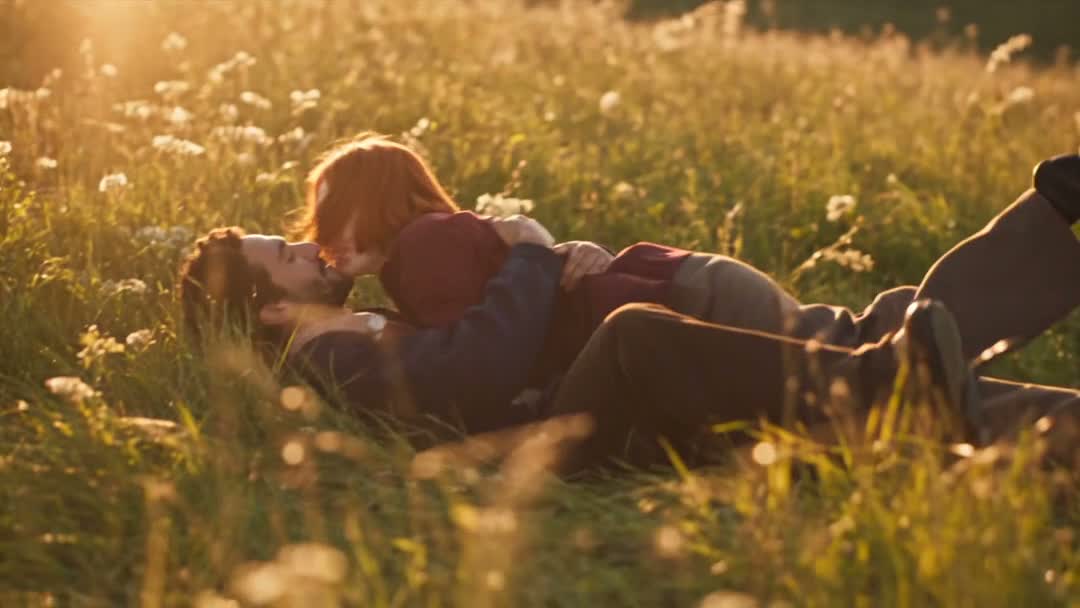
Zombie Love Story

One survivor, one infected partner and the meadow memories between them.

2 · Your photos

Upload a photo for every role, following the order shown. Best results come from a bright photo of a single subject with the whole face showing. People, pets and drawn characters all work.

1Survivor
2Infected partner

Create with AI

Describe a person, pet or character. We’ll make a portrait and use it as this role’s photo.

Tip: one subject facing the camera works best.0/1,000
5 credits

3 · Length

4 · Quality
229 creditsOne-time credit packs · no subscription

Look around for free. Your photos wait here while you sign in.

Example · 24s
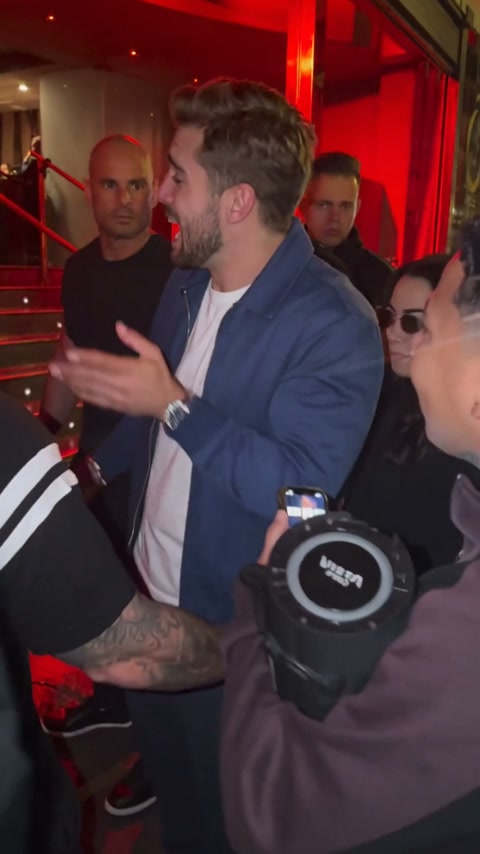
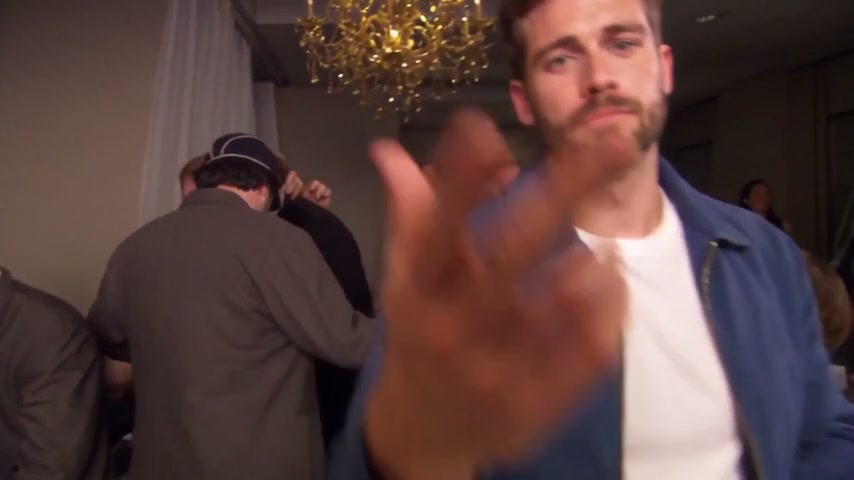
Created from these two photos
Survivor photo used in this exampleSurvivor
Infected partner photo used in this exampleInfected partner
Estimated time3–8 min
A rough estimate. Busy queues may take longer.
How it works

How to make a viral AI video in three steps

Each template in the viral AI video generator rebuilds one trending format shot by shot. The setting, camera and timing stay exactly as they were, and your photos supply the cast, so the result plays like the original trend with new faces.

  1. 01

    Pick a template

    Every template comes with one or two roles. Fill each role with a photo: you, a friend, a pet or a character you made. A bright, front-facing photo of a single subject gives the cleanest result.

  2. 02

    Your cast takes the stage

    We rebuild the source video shot by shot around your cast: identical moves, camera and timing, now with your characters’ faces, hair and bodies.

  3. 03

    Add the sound and post

    Save the silent clip plus a still frame, then lay the trending sound over it in TikTok or Reels, starting at the first second.

Credit packs

Credit packs for AI trend videos, paid once

Use your credits on any template, length and quality in the viral AI video generator. Buy a pack once and top up when you need more — nothing renews on its own.

See what each video costs

FAQ

Viral AI video generator FAQ

Have another question? Write to support@ai-videonews.live.

It depends on the template, the length and the quality. Short openings cost far less than full videos, and HD (720p) runs roughly double Standard (480p). The studio shows the exact credits before you generate, and the pricing page lists every rate. Credits come in one-time packs, never as a subscription, and credits you buy last 12 months.

A short opening typically takes 3–8 minutes and a full video 6–25 minutes, depending on length. HD needs a few extra minutes, and peak times may be slower. Feel free to close the tab: rendering continues and the video lands in your account.

Credits are only on hold while your video renders. If the job fails for any reason, technical error or content moderation included, those credits return to your balance right away.

Only if they’ve agreed, and never photos of anyone under 18. Don’t pass off a generated video of a real person as real footage or as their endorsement. Our Terms of Service has the complete rules.

Signing up is free, and no account is needed to browse the templates or check what each video costs. Sign in with your email when you want to generate or buy credits; your videos and credits then stay together on every device.

It is a tool that recreates a video format that is already going viral, then casts your own photos in it. Instead of writing prompts, you pick a trend template, upload one or two photos and get a clip that keeps the original moves, camera and timing.

Pick a template in the studio, upload a photo for each role, choose a length and Standard or HD, then press generate. When the video is ready, download it and add the trending sound in TikTok, Instagram or CapCut before you post.

Hotel Lobby, Burning Bridges, Rumpelstiltskin Tip Toe, Bulin 47, Raindance, Zombie Love Story and Smalltown Boy. Each AI video trend has its own page explaining where it started, which photos to use and what every length costs.

Signing up is free, and you can browse every template and see each video’s exact cost before you spend anything. Making a video uses credits from a one-time pack, with no subscription and nothing that renews.

A face swap pastes a face onto existing footage. Here an AI video model rebuilds every shot of the reference clip around your cast, so face, hair, outfit and body all come from your photos while the scene, camera and timing match the original.

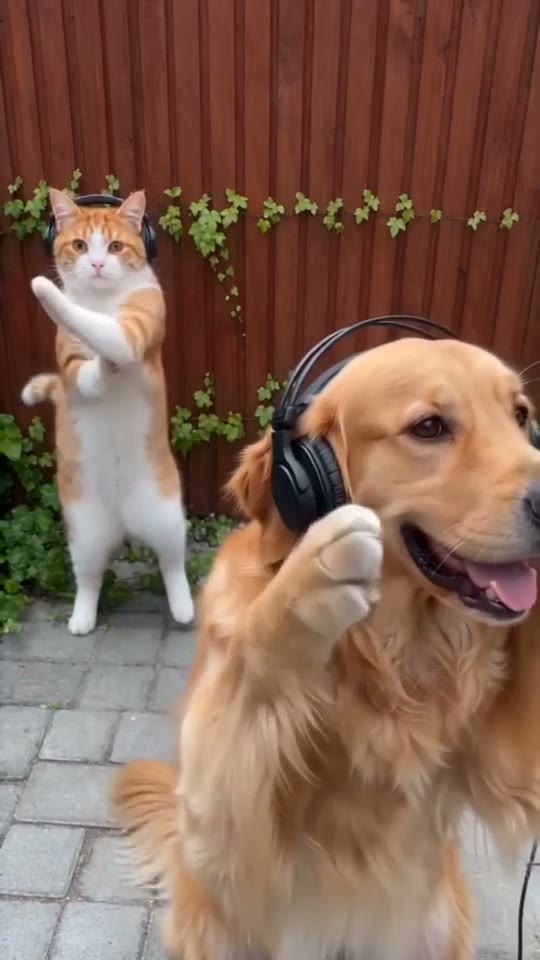
Yes. Pets, illustrated characters and characters you designed all work, as long as the photo shows one subject clearly. Mixed casts are welcome too: you and your dog, or a friend and an original character.

Templates with two roles, such as Hotel Lobby or Raindance, need one photo per role, and the order decides who plays which part. One-role templates, such as Bulin 47 or Burning Bridges, need a single photo.

No, the download is silent. Pick the trend’s sound from the TikTok, Instagram or CapCut music library when you post and start it on the first frame so the timing lines up.

Standard renders at 480p and HD at 720p. Each video keeps the aspect ratio of the source clip, so vertical trends come out 9:16 for TikTok, Reels and Shorts, and you also get a still frame to use as a cover.

Yes. The viral AI video generator works in any modern mobile browser: upload photos from your camera roll, generate, and download the clip straight to your phone. Nothing to install.

Yes. When a new format takes off, we add it to the viral AI video generator as a template with its own page. Credits work on every template, including the ones added later.

Your photos are used to make your video, and your finished videos stay in your account. Our Privacy Policy explains storage and service providers in full, and you can ask support to delete your account at any time.

Your turn

Make your next clip with the viral AI video generator

Pick a trend, upload one or two photos and download a clip that moves just like the original.